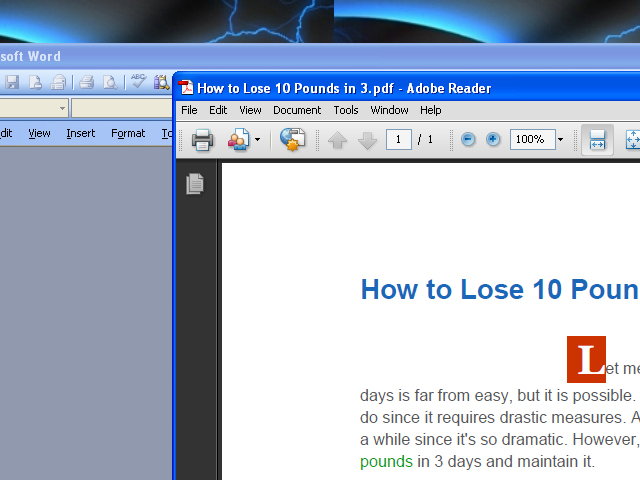
So you wanna Know how to make an eBook Huh ?
Well its Simple
Step 1 :Go to http://www.primopdf.com/ And download the Free PDF creator 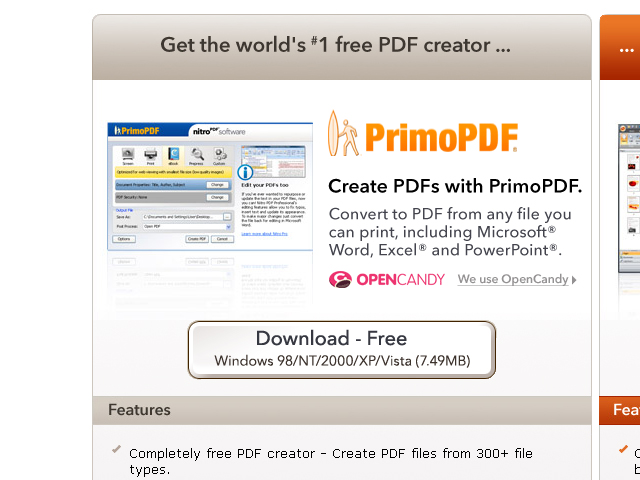
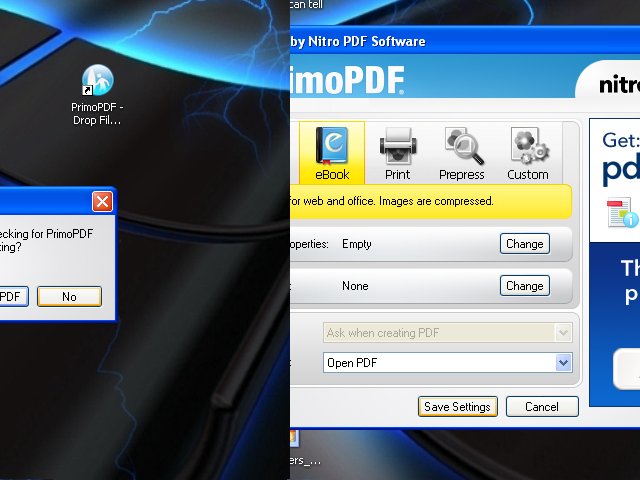
Step 2 : After you have installed it Click on the Icon , probably located on your desktop if not look through your programs select it , then select the No option it .After you do that Select eBook and Save Settings .
Step 3 :Create your eBook in Microsoft word and then Save it on Your desktop.
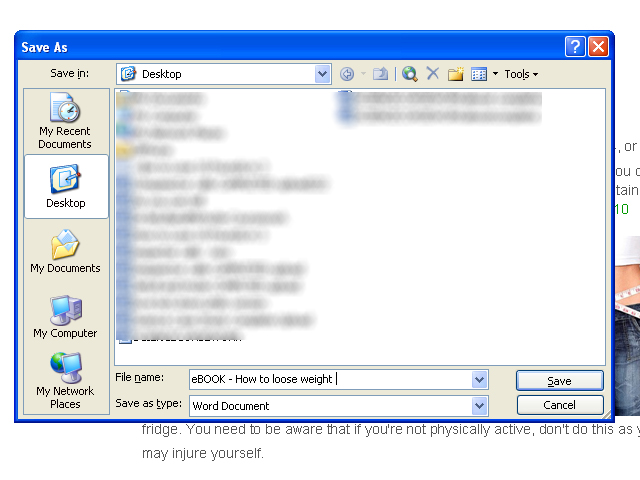
Step 4 : Drag it form your desktop onto the PDF creator

Step 5: Its saved on your desktop . Complete